
daydream desktop wallpapers
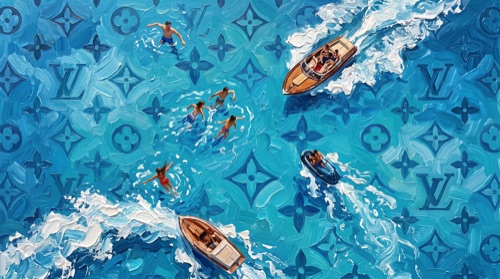
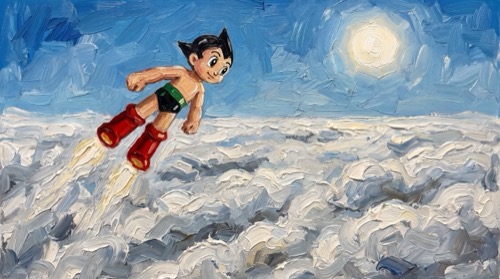
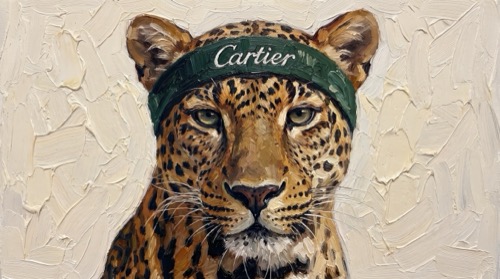
$7.0010 oil-painted desktop wallpapers for dreamers who think bigger. Astro Boy above the clouds, a leopard in a Cartier headband, paragliders in a Louis Vuitton sky and more, made for any Mac or PC.
- 10 desktop wallpapers
- 4K resolution
- optimized for all desktop displays
- instant download after purchase
all 10 wallpapers in daydream

about daydream
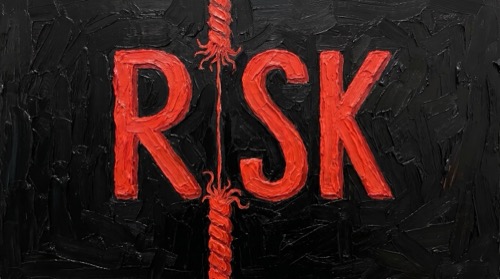
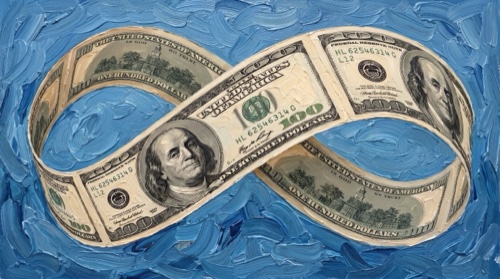
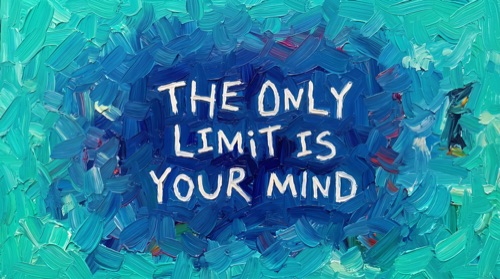
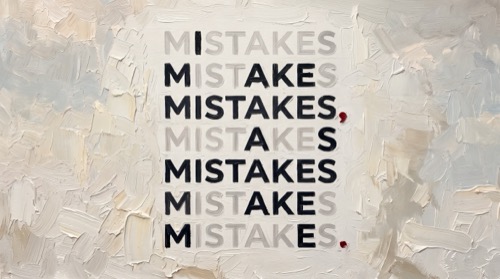
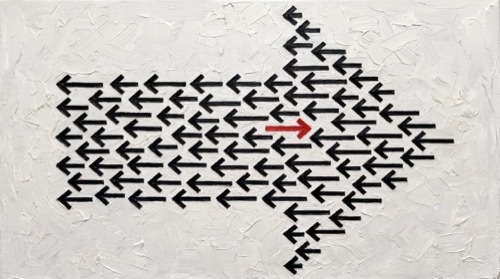
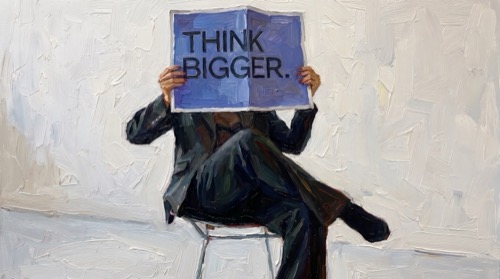
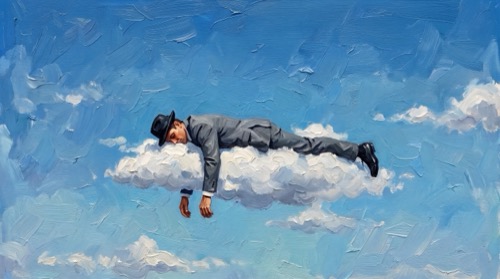
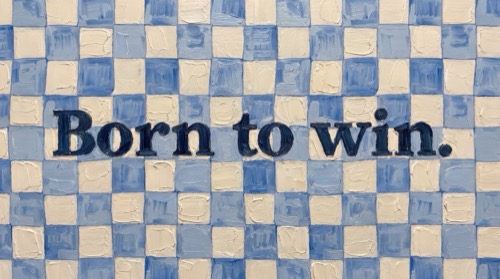
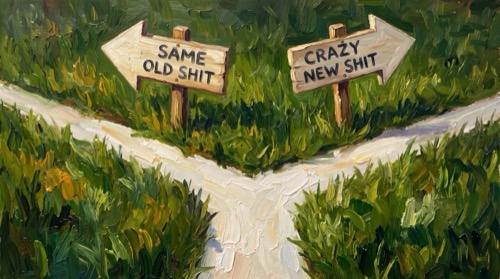
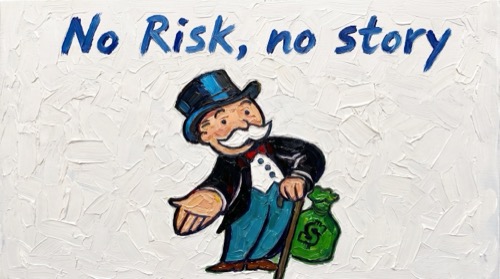
10 oil-painted desktop wallpapers for dreamers who think bigger. Astro Boy above the clouds, a leopard in a Cartier headband, paragliders in a Louis Vuitton sky and more, made for any Mac or PC. Inside the daydream pack: mistakes, LV sky, astroboy, against the trend, cartier head band, think bigger, cloudy, born to win, same or new sh*t and no risk no story. It also fits in a build-your-own bundle, with 3 packs for $18.
what resolution are the wallpapers?
Every wallpaper is a 16:9 4K image, sharp on MacBook Air, MacBook Pro, iMac, Studio Display and Windows monitors.
how do I get them?
Right after checkout you get a download link to all 10 files. No account, no app.
how do I set a wallpaper on my Mac?
Open System Settings, go to Wallpaper, click Add Photo and choose the file. On Windows, right-click the image and pick Set as desktop background.
more like this: quotes & mindset wallpapers